Step 01 - entry notice

Create branded entry notices in seconds.

EasyInspect pulls the property, tenant and agency details into the notice so the inspection starts with the right information.

First run10 free inspections
App StoreiOS approved
Built forAustralian agencies
8/42 Cypress Avenue Entry notice ready to send
Notice

Entry notice

Property, tenant and agency details are pulled into the notice before the inspection starts.

Ready to send

The notice is connected to the property workflow from the start.

Start free
Living roomComplete - 6 photos
KitchenComplete - 5 photos
Photos saved to the right room
Kitchen inspection phone preview

Kitchen notes

Clean, well-presented kitchen. Benchtops, cabinetry and flooring appear maintained. Minor marks noted near lower cabinet.

Report ready

Photos, notes, ratings and action items flow straight into the PDF.

Ready to review

Your team can check the report before sending it to the owner or tenant.

Start free

Compliance trail

Notices, reports and property history stay attached to the property record.

Cleaner records

Fewer missing details and a clearer trail when the file needs to be checked.

Start free
Notice ready Property and tenant details are already connected.
Product walkthrough

The full inspection workflow does the heavy lifting.

Send the notice, complete the inspection on-site, let AI draft the notes, create the report and keep the compliance trail together.

Step 01

Create branded entry notices in seconds

Property, tenant and agency details are pulled into the notice before the inspection starts.

Step 02

Complete the inspection on-site, not back at the desk

Photos, rooms, ratings and comments stay organised while the inspection is happening.

Step 03

Stop manually writing every room note

AI drafts room descriptions and condition wording so your team reviews instead of starting from scratch.

Step 04

Generate a ready-to-send report

Photos, notes, ratings and action items come straight from the completed inspection.

Step 05

Keep the compliance trail together

Entry notices, inspection reports and tenant/property details stay linked so the record is easier to check later.

Built for inspection teams

Less typing after every inspection.

EasyInspect keeps the photos, rooms, notes and tenant details connected so your team is not rebuilding the same job back at the desk.

01

Capture rooms as you go

Photos, ratings and comments stay attached to the right room while the inspection is happening.

02

AI drafts the notes

Room descriptions and condition wording are prepared for review, cutting down manual typing and missed details.

03

Reports build from the job

Create the PDF from the photos, notes, ratings and action items already captured on-site.

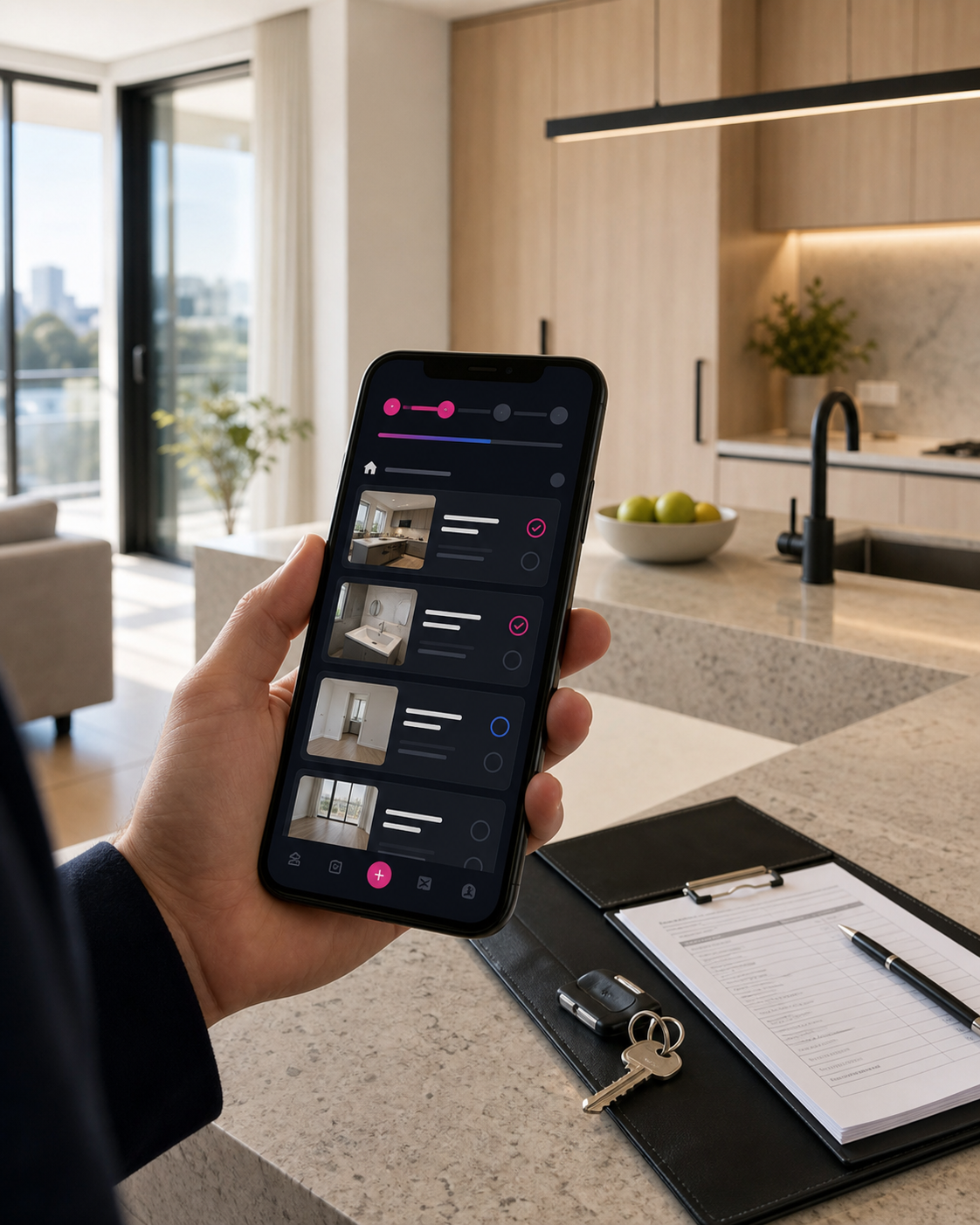
EasyInspect phone preview in a real kitchen inspection scene
Inspection to report One inspection record carries the photos, notes and report forward.
Ready for Australian agencies

Start with the app and workflow already in place.

EasyInspect gives agencies an approved iOS app, included inspections and Australian property-management workflows from the first login.

10

Included inspections

Use the full inspection workflow with the first 10 inspections included.

iOS

App Store approved

Download the iOS app and log in with your EasyInspect account.

AU

Australian workflows

Inspection reports, tenant details and entry notice tools are built for Australian agencies.

Phone and property inspection report documents on a desk
Simple pricing

Start free with 10 included inspections.

Try the full inspection flow with no setup cost and 10 inspections included.

$0for the first 10 inspections
  • 1AI-assisted room notes and report generation.
  • 2Entry, exit, routine and pre-settlement inspection workflows.
  • 3Property, tenant and agency details connected to each workflow.
  • 4Account and agency settings managed from your dashboard.
Start your first run

Complete inspections, notes and reports without the admin drag.

Log in, capture the property room by room, review the AI-assisted notes and create a report your agency can send.